Moved Blog to Astro
After years of running my blog on WordPress, I finally decided that I’ve had enough of the constant maintenance of the WordPress backend. There were constant updates, and the supposedly “one-click” updates never worked. I was constantly having to connect to the backend with an FTP client to manually backup the site and database, apply the updates downloaded in a zip file, then verify that I hadn’t messed anything up. This is “just” a blog, not an e-commerce site pushing through millions of dollars in transactions, so using WordPress was just not worth the hassle. In addition, my hosting provider for hosting my blog was quite expensive for just a blog.
I started looking for alternatives to how I might move my blog out of WordPress, and host it somewhere cheaper. After chatting with a coworker about this, he mentioned both Astro and Github Pages as potential options. I’ve heard of both of these before, but I hadn’t really looked into them. I’m glad that I finally did! Astro is a static site generator (by default), so it creates static files that can be hosted from S3, Azure Blob Storage, or Github Pages. You write content using Markdown files that are then compiled into static HTML. No backend is required since everything is compiled and shipped with the site when deployed. This DOES mean that, at least for now, there won’t be a comment system in the blog. When I have time later on, I’ll look into adding a 3rd party comment system, which will allow me to continue to using static files while offloading the comment system to a 3rd party provider.
Since I already have a longtime Github account, and they make it really easy to push a site into Pages, I decided to go with that for hosting. Deployment is simple; you just use a Github Action file to tell Github how to build and deploy the site. The Astro documentation even provides a great sample Action file to get you started here.
This was also a really awesome use case for AI. I was able to use Github Copilot to point at my original blog location, and starting with an empty Astro project, migrate all of my styles and content into Astro. Astro is very new to me, with my own web development experience being with React, Vue, Angular, and vanilla JavaScript, so letting Copilot work through most of the conversion made this migration ridiculously easy.
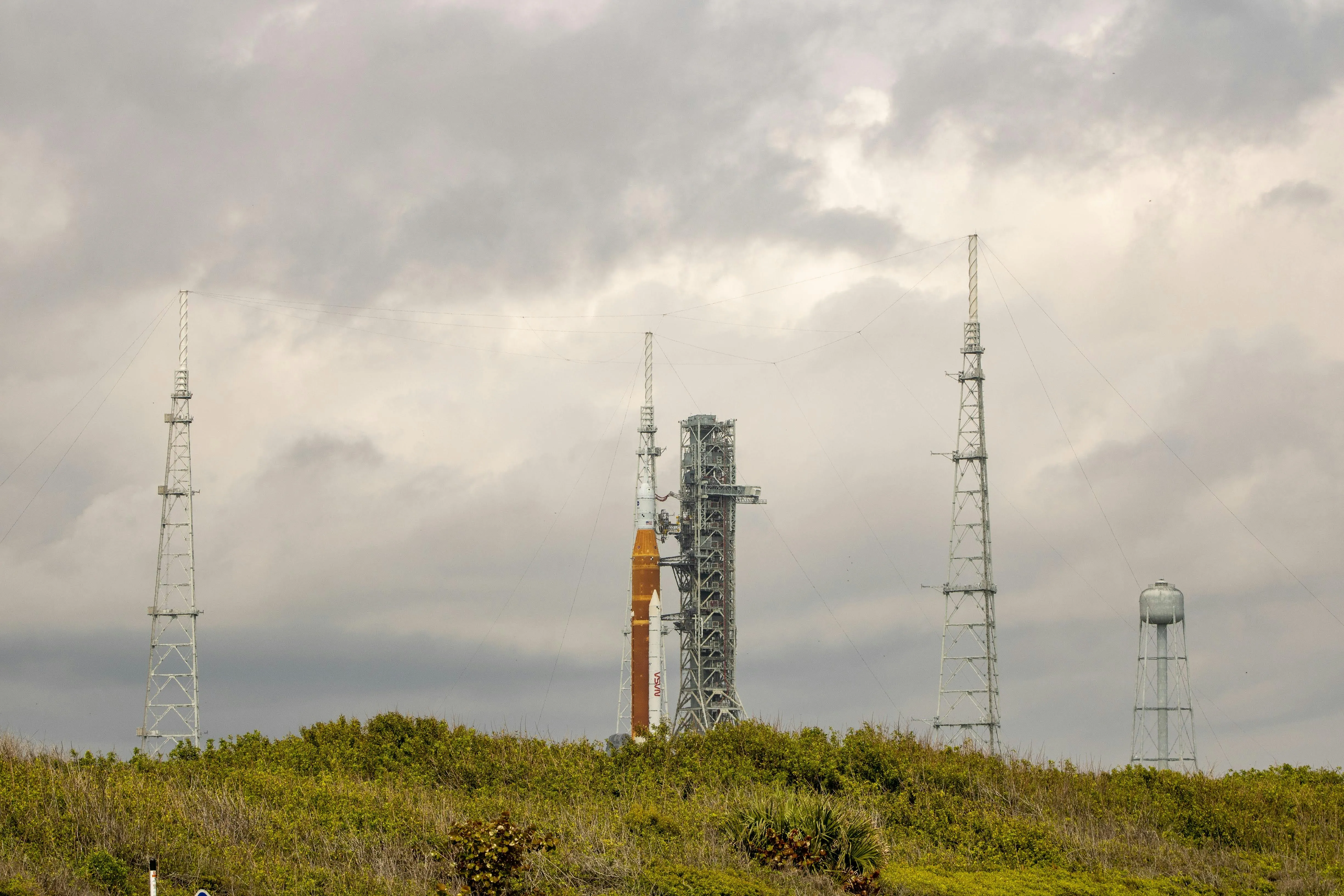
Also, being a total space nerd, I was beyond stoked watching the launch of Artemis II, and I can’t wait to see the pictures that they send back when they reach their slingshot around the moon! Considering that this post will be about my moving my blog to Astro… it seemed like the perfect image to use for this post! Good luck Artemis crew! Make it home safe!!!